


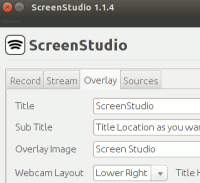
 Sometimes you might want to make a digital recording of your computer screen so as to demonstrate how to use a particular software, tweak a setting, and more. This is known as screencasting, and it often contains audio narration too. While the task may seem simple, it really depends on the screencasting tool you are using and the features it provides. We have recently covered a way you can do a screencast from the command line, but if you prefer a graphical application with a nice user interface, ScreenStudio is one that you can try out.
In this article, we will discuss ScreenStudio, a simple screencaster that’s not only easy to use, but also has a lot of options to choose from.
ScreenStudio
ScreenStudio is a JAVA-based screencasting application built around “avconv” that is currently available on all Linux distributions. It provides a simple UI along with a lot of configuration options. Once you launch the application, you’ll observe that all the settings are divided into various categories including Record, Stream, Overlay, Sources, and Options.
Installation
To install the software on Ubuntu (and other Debian-based systems), run the following commands:
sudo add-apt-repository ppa:soylent-tv/screenstudio sudo apt-get update sudo apt-get install screenstudio |
For other distributions, head to the software’s official website.
Record
The application lets you record video in various formats like FLV, MP4, OGG, MPEGTS, and more. You can also select the Profile that suits you. As for the Preset, it’s ultra-fast by default, but the developers recommend using a “lower” setting if your computer can handle it.
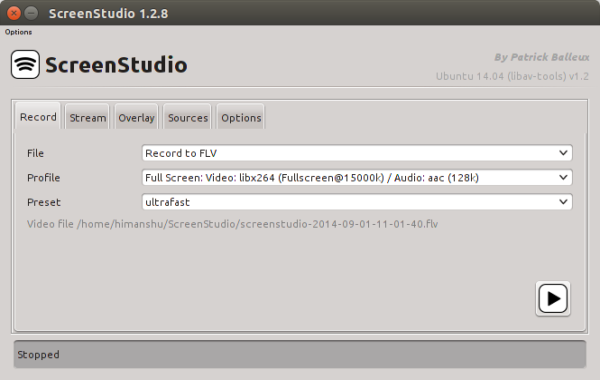
Just below the Preset option, ScreenStudio shows the complete path where the recorded file will be saved, and towards the bottom right corner, there’s a play button, and clicking on it starts the recording.
Stream
Not only you can record a session to a file, you can also stream it to services like Twitch, YouTube Live, Hitbox, and more.
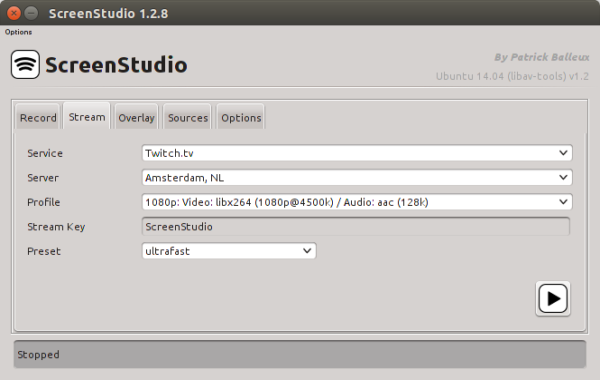
Just select the streaming service, configure the server, profile, Stream Key, and Preset information, and you’re good to go.
Overlay
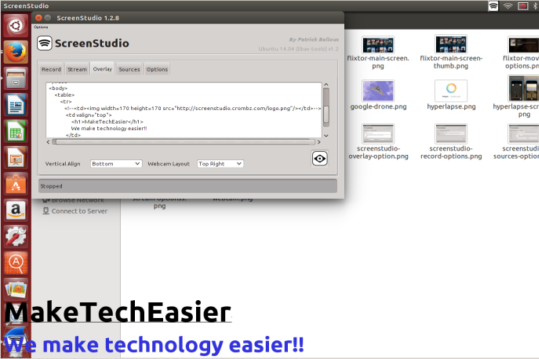
The application also lets you customize your stream by adding overlays. For example, you can add a text overlay if you want your name, or your website’s name, to appear over the stream.
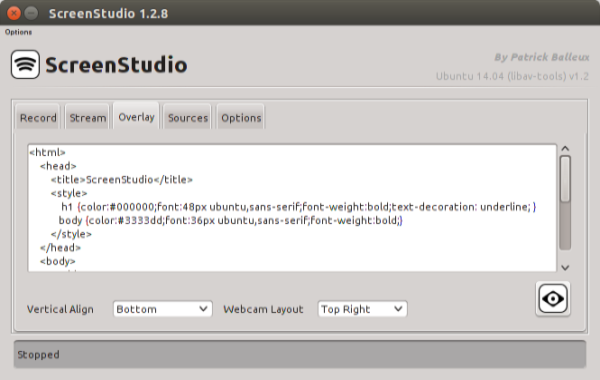
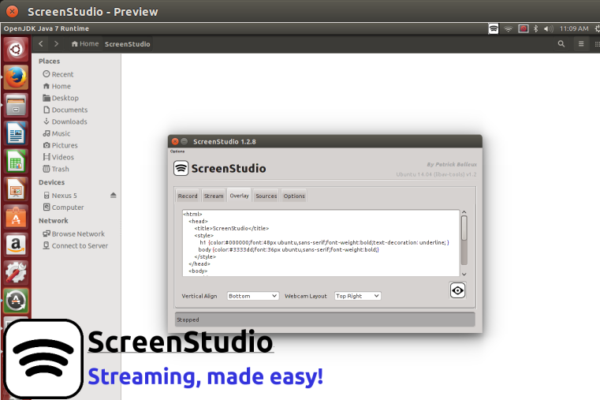
As you can see in the screenshot above, you should know at least the basics of HTML to add overlays to your stream, although you can select alignment as well as Webcam Layout directly through drop-down menus. Once you’re done with configuring the overlay information, click the eye button present at the bottom right for a preview.
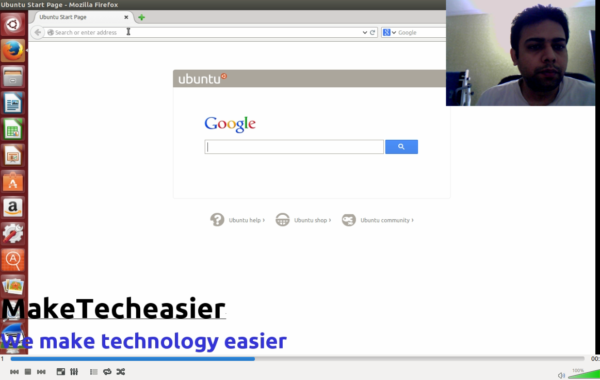
Here is what the default overlay looks like (observe the ScreenStudio logo and text at the bottom left) :
and here is how it looks after I made some overlay-related changes:
Sources
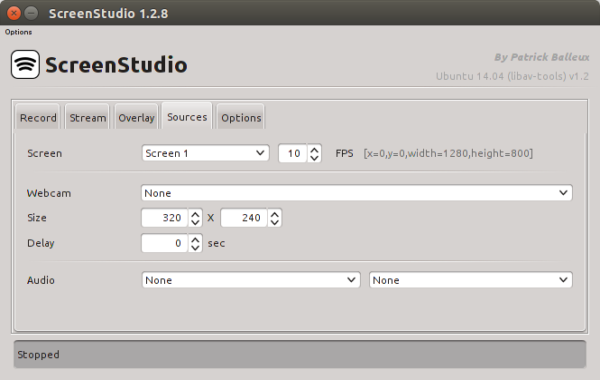
There are also some other options that let you choose things like which screen to record (in case there are multiple screens) and how many frames per second to record. This section also lets you choose a webcam and related settings like its stream size, delay, and audio settings.
Options
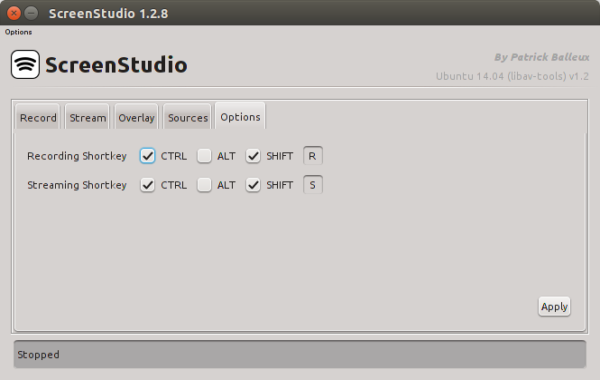
In this section, you can simply configure the recording and streaming shortkeys.
Other options
Apart from the settings explained earlier, the application also contains an “Options” drop-down menu that offers some generic settings. For example, you can set a capture area, window area, change the folder where video is stored, reset all your preferences, and more.
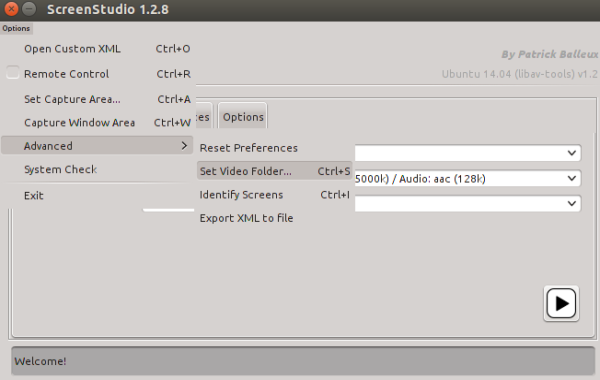
Once you’re done with the configuration part, just click the play button present at the bottom-right of the ScreenStudio window, and it should start recording.
Conclusion
While we’ve focused exclusively on ScreenStudio in this article, there are many other screencasting tools available for Linux, each having its own pros and cons. As for the best, it depends on what features you’re looking for. Have you ever used ScreenStudio? How was your experience? Do you recommend any other screencasting tool? Please share your views in the comments below.
The post Easily Create a Screencast of Your Linux Desktop Using ScreenStudio appeared first on Make Tech Easier.





















No Comments