


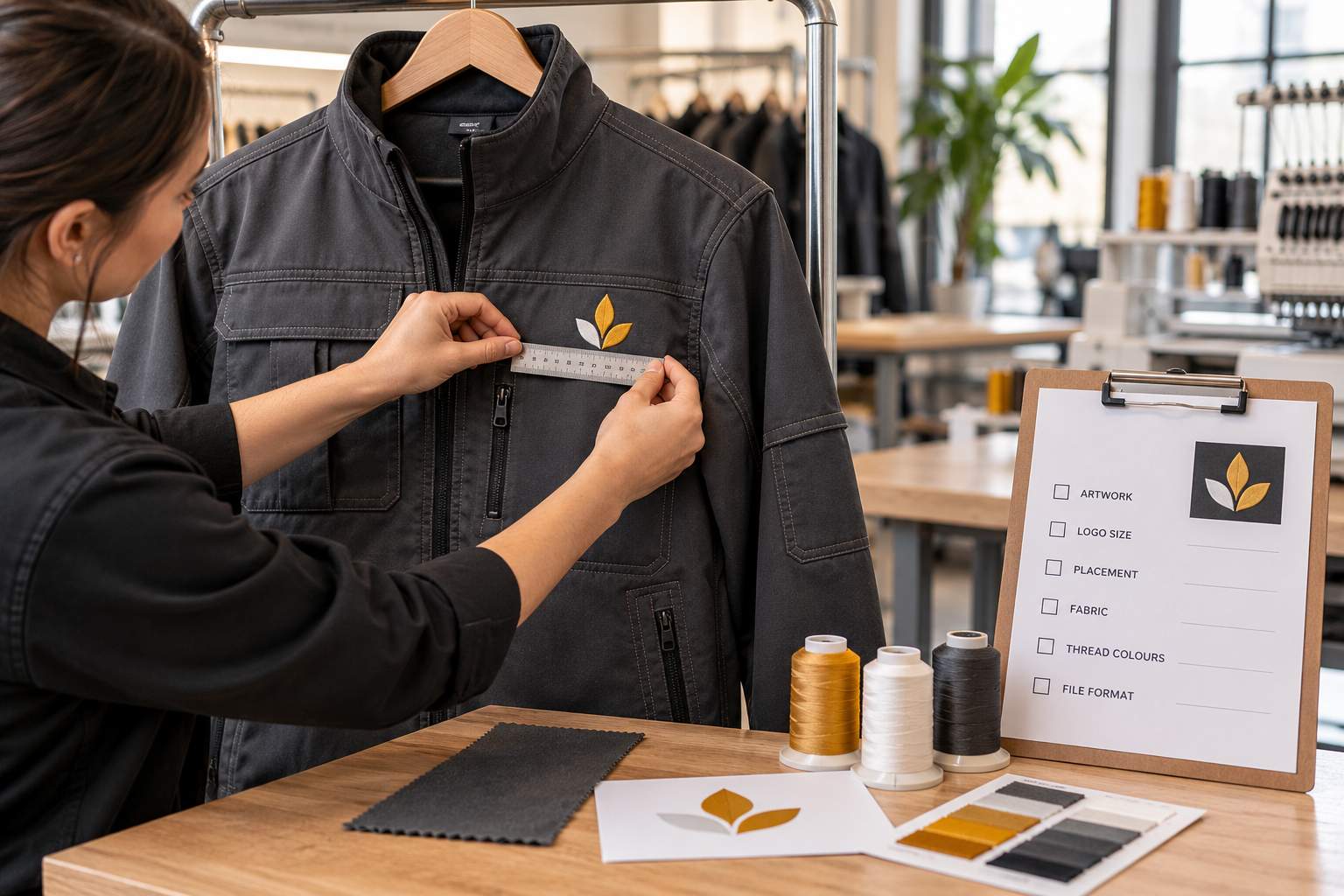
A digitizer needs your logo artwork, finished embroidery size, garment details, placement, thread colors, and machine file requirements. For workwear, also explain how the clothing will be used and washed. These details help turn a company logo into stitching suited to the actual uniform.
A logo approved for an office shirt may need adjustments for a fleece jacket or a stretchy polo. When ordering embroidery digitizing services, a clear brief gives the digitizer a useful starting point and helps your production team avoid preventable revisions. Here is what to include before work begins.
Send the approved logo and identify what must stay
Start with the latest approved artwork. Original AI, EPS, SVG, or vector PDF files give the digitizer clear shapes to follow. A sharp PNG or JPG can also be usable. If you only have a photograph or an older embroidered sample, explain that when requesting a review.
Confirm the spelling, punctuation, and logo version. Attach brand guidelines if the lettering, proportions, or spacing must remain unchanged. Where practical, supply artwork with fonts converted to outlines so the letter shapes do not depend on someone having the same font installed.
Flag any detail that needs discussion, such as a narrow tagline or small registration mark. Ask the digitizer to propose changes for approval before removing text or simplifying the logo.
Give the finished dimensions and exact position
“Standard chest size” leaves room for interpretation. Specify the finished width or height in inches or millimeters and ask the digitizer to preserve the logo’s proportions. If both dimensions are restricted, give the maximum available area rather than requesting a stretched design.
Name the placement from the wearer’s perspective: left chest, right chest, sleeve, or back. Include a marked garment photograph showing nearby pockets, seams, and zippers. This helps distinguish a logo above a pocket from one stitched directly onto it.
Confirm access with the embroiderer, especially for pockets and lined jackets. The stitch file cannot solve a placement that the production team cannot reach without catching another fabric layer.
Describe each garment and its fabric
Share the garment brand, style code, fabric composition, and a product link or photograph. “Blue work shirt” provides much less useful information than an identified cotton blend woven shirt with a chest pocket.
Fabric structure matters alongside fiber content. A smooth woven shirt, textured polo, and thick fleece present different stitching surfaces. Wilcom’s embroidery guidance explains that design settings should match the intended fabric. The digitizer uses this information when planning stitch spacing and the supporting stitches beneath the visible design.
List every garment in the order, even when they share the same logo. Through BitsNPixs embroidery digitizing services, you can submit the artwork alongside these garment specifications for review. Ask whether the polo and jacket versions need separate files, then label each approved file clearly.
Specify garment colors and thread requirements
Provide every garment color and the logo colors intended for each one. White lettering may suit a navy shirt but disappear on a white uniform. Approve these variations before the files reach production.
If your customer has approved thread shades, send the manufacturer, thread range, and color numbers. Otherwise, provide brand color references and ask the embroiderer to confirm suitable thread matches. A screen preview alone is not a dependable color approval.
Mention any planned thread thickness or specialty thread. Madeira offers finer threads for small lettering, but those choices require compatible digitizing and production settings. Let the digitizer and embroiderer assess the combination instead of assuming every small detail will stitch successfully.
Explain washing conditions and garment restrictions
Tell the production team whether the uniforms face routine home washing, industrial laundering, or cleaning chemicals. Share the garment’s care instructions and any customer requirements. The embroiderer can then check suitable thread and backing choices, and pass relevant information to the digitizer.
If the clothing has a protective function, identify it before decoration is planned. For waterproof, flame-resistant, or high-visibility workwear, obtain the garment supplier’s decoration instructions and permitted logo locations. Ask the supplier and embroiderer to resolve restrictions before ordering the stitch file.
This separates the digitizer’s job from garment suitability decisions. An embroidery file defines the stitching; it does not establish whether a particular decoration method is appropriate for the workwear.
Confirm the production format and schedule
Ask your embroiderer which machine file format they need. Send that requirement with the machine model and available sewing area if requested. Also ask for a production sheet showing the finished dimensions, stitch count, and thread color sequence.
Give the quantity, sampling deadline, production date, and time zone. An order of replacement shirts may use an existing approved file, while a new uniform range needs time for review and testing. If employee names or department labels accompany the logo, supply a checked list and explain their placement.
Name one person who can approve artwork changes. Conflicting comments from a buyer and machine operator can delay revisions even when the technical work is straightforward.
Agree on a stitched sample before the full run
A digital preview helps check the layout, but it cannot show exactly how stitches will behave on the garment. Arrange a test on the intended workwear using the planned thread, backing, and machine setup.
Inspect the lettering, outlines, fabric flatness, and feel of the embroidered area. Share clear photographs and specific feedback if adjustments are needed. “The tagline closes up on the fleece” gives the digitizer more useful direction than “the logo looks wrong.”
Once approved, keep the sample reference with the final file and production notes. Record which garment and size it covers. When a repeat order changes the fabric, logo dimensions, or thread, ask for a review before reusing the file.
Bring the details together before you order
For example, a maintenance company ordering navy polos and gray jackets should identify both garments separately, attach the approved artwork, and specify the logo width for each. It should also state whether the same thread colors apply to both items and who will approve the stitched samples. That brief makes differences visible before either version goes into production.
A useful workwear brief connects the approved logo to the clothing that will actually carry it. Send the artwork, measurements, garment specifications, colors, production requirements, and approval deadline together. If anything remains undecided, say so clearly. Resolving those gaps before digitizing gives everyone a shared reference for the sample and the finished uniforms.

